In this article
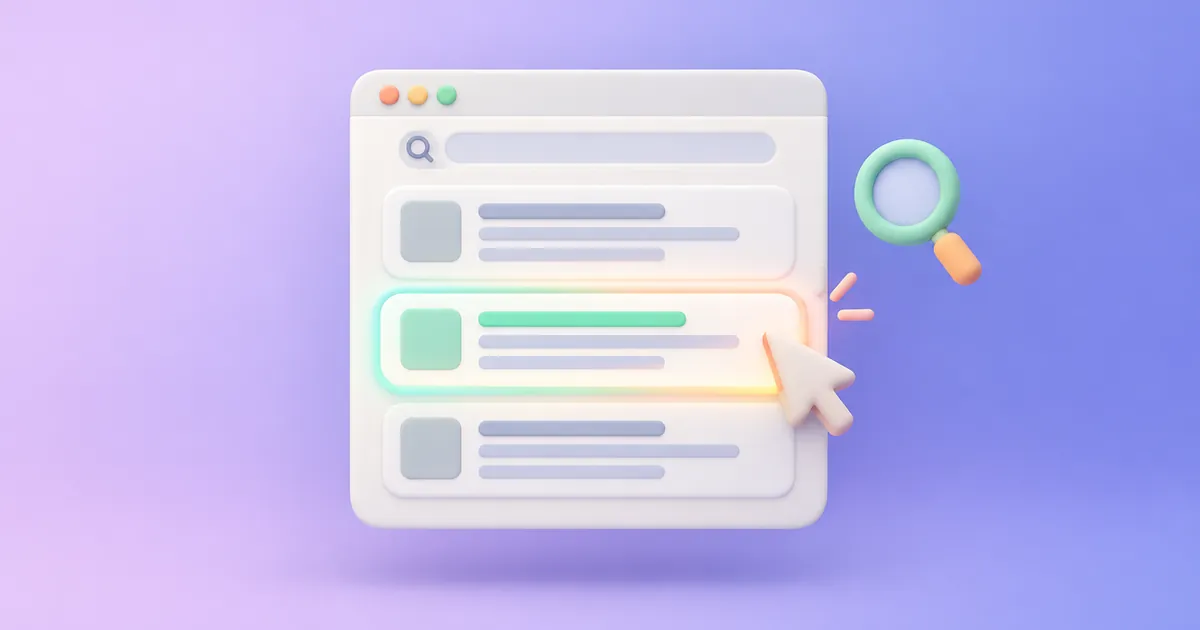
When your page appears in search results, people see three things: the title, the URL and a short paragraph beneath them. That paragraph is often the meta description you write. It is not a direct ranking factor, but it strongly influences whether people click.
What is the right length?
There is no fixed limit, because Google truncates descriptions based on screen and character width. As a practical rule, aim for roughly 120 to 160 characters so it appears in full most of the time. Put the key idea in the first 100 characters, as they show even on phones. You can check the exact length with our character counter set to a 160-character limit.
A practical formula
What you will find + why it matters + a call to action
Example for a tool page: “Calculate Etsy fees and your net profit per order in seconds. A free tool for digital and physical products. Try it now.”
Rules for an effective description
1. Include the keyword
Google highlights words matching the search in bold, which makes your description stand out. Use it naturally, without stuffing.
2. Write a unique description for each page
When many pages share the same description, Google often ignores it and picks text from the page itself. Every page deserves a description of its own.
3. Match the actual content
Misleading promises may raise clicks briefly, but visitors leave quickly when they do not find what was promised, which hurts user experience and your reputation.
4. Use direct, active language
Verbs such as “learn”, “calculate”, “discover” and “get” make the description lively and show what the reader will do.
5. Highlight what makes you different
Free? No sign-up? Updated this year? Includes examples? These details make your result stand out from the ones around it.
Why does Google sometimes change my description?
Google may show other text from your page if it seems more relevant to the query. This is normal, and it happens more often when the description is generic or lacks the words people searched for. A precise description tied to the content is more likely to be used.
Common mistakes
- Leaving the description empty on important pages.
- Repeating the title in the description.
- Stuffing keywords until the text is unreadable.
- Writing in a different language from the page on multilingual sites.
Summary
A meta description is a free chance to convince searchers to choose your page. Keep it short, accurate and unique, include the keyword and a clear benefit, and track click-through rate in Google Search Console to keep improving it.