In this article
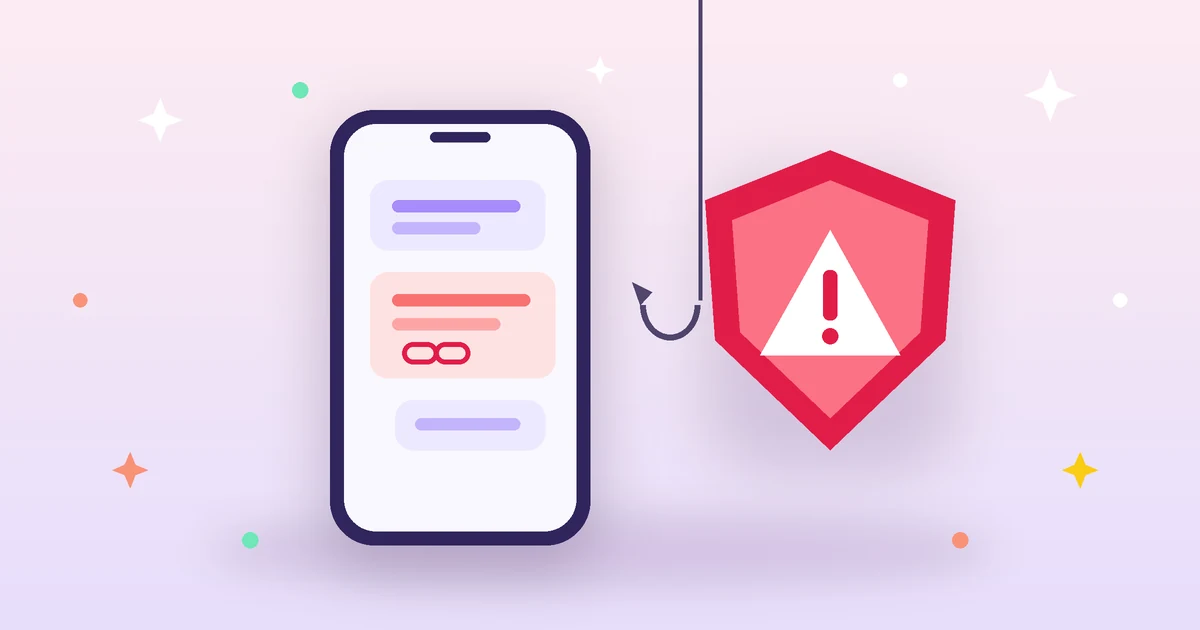
You get a text: “Your parcel is held at the depot. Pay the delivery fee within 24 hours or it will be returned”, with a link. Or a WhatsApp message from an unknown number claiming to be your bank: “Your account has been frozen, update your details now.” These are phishing messages, and they share one goal: getting you to tap the link and type your password, card details or verification code into a fake page. The good news is that most of them carry clear signs — if you know where to look.
1. Warning signs in the message itself
Before even looking at the link, pay attention to the tone. Scammers rely on pressure more than technology:
- Urgency and threats: “within 24 hours”, “your account will be suspended”, “final notice”. Real organisations rarely threaten you with short deadlines by text.
- Requests nobody legitimate makes: no bank or courier will ask for your password, card PIN or the verification code you just received.
- Small, odd amounts: a tiny delivery fee is bait; the real target is your full card number.
- Prizes and offers you never entered: “You won a phone”, “Work from home for a great salary”.
- Unexpected senders: an international number or a free email address claiming to be an official body.
2. How to read a link without opening it
This is the single most useful skill. On a phone, long-press the link to copy or preview it; on a computer, hover over it without clicking.
Golden rule: the real domain is the last two parts before the first “/”
| Link | Real domain | Verdict |
|---|---|---|
https://www.paypal.com/signin | paypal.com | official site |
https://paypal.com.secure-check.top/login | secure-check.top | fake: the brand is just a sub-domain |
http://paypa1-login.com | paypa1-login.com | fake: digit 1 instead of the letter l |
https://bank.example@203.0.113.7/ | 203.0.113.7 | fake: everything before @ is ignored |
A scammer can write anything at the start of a link, but cannot own the bank’s real domain. So read the domain from the end, not the beginning.
Other technical signs
- Look-alike letters: a domain can use a Cyrillic “а” that looks identical to the Latin “a”. Browsers catch some cases and show them in a form starting with
xn--. - Shortened links like bit.ly aren’t necessarily malicious, but they hide the destination — don’t open them from unknown sources.
- No HTTPS: the padlock alone doesn’t prove a site is honest (scammers get free certificates easily), but its absence on a payment page is a definite red flag.
- Odd extensions: cheap extensions unrelated to the organisation (.top, .xyz, .click…) in a message claiming to come from a local bank.
If you’re unsure, paste the link into the phishing link checker: it shows the real domain and explains every suspicious sign, without opening the link.
3. Advanced tricks to know
- Verification-code theft: someone calls claiming to be your bank or an app and says they sent you a “confirmation code”. That code actually logs into your account or approves a payment. Rule: never read a verification code to anyone.
- Messages from hacked friends: “I sent you a code by mistake, can you forward it?” on WhatsApp is a well-known account-takeover trick.
- Reversed file names: invisible characters can flip text direction so an executable looks like a photo or PDF. Reveal them with the invisible characters detector.
- QR codes in public places: a fake QR sticker over the real one in a car park or restaurant can lead to a fake payment page. Check the link it shows before opening.
4. What if you clicked or entered your details?
- Card details entered: call your bank immediately using the number on the back of your card or in the official app, ask them to block it and review recent transactions.
- Password entered: change it right away on the official site (type the address yourself) and on every account using the same password. Create a strong new one with the passphrase generator.
- Turn on two-step verification for email, banking and social media — see our two-factor authentication guide.
- File downloaded: don’t open it, delete it and scan your device with up-to-date security software.
- Report it: tell the organisation that was impersonated (most banks and companies have a fraud channel), and if you lost money, file a complaint with the competent authorities in your country.
5. Simple habits that protect you
- Always reach your accounts through the official app or by typing the address — never via a link in a message.
- Use a different password for each account and test it with the password strength checker.
- When in doubt, call the organisation on its official number.
- Share these rules with your parents and children — they are often targeted the most.
Bottom line
Phishing works because it rushes you. Take ten seconds: was I expecting this message? What is the real domain of the link? Is it asking for something nobody legitimate asks for? Those three questions alone expose most scams.