In this article
An online store handles money and customer data, which makes it an attractive target for attackers whatever its size. The good news is that most attacks exploit simple weaknesses that basic practices can close, without deep technical expertise.
1. Strong, unique passwords
Use a long, random password for every account linked to your store: dashboard, email, hosting, payment gateway and social accounts. Create them with our password generator and keep them in a password manager.
2. Two-factor authentication everywhere
Turn it on for every sensitive account. Even if a password leaks, an attacker still needs the extra code from your phone.
3. An SSL certificate
Make sure your whole store runs over HTTPS. The certificate encrypts data between the browser and the server; most hosts provide it free of charge, and Google treats it as a ranking signal.
4. Regular updates
If your store runs on a CMS or plugins, update them as soon as security updates are released. Known flaws in old versions are the easiest way in for attackers.
5. Limited staff permissions
Give each person only the permissions they need, create a separate account for each employee instead of sharing the admin account, and remove accounts of anyone who leaves your team immediately.
6. Regular backups
Back up files and data regularly and keep a copy outside your hosting server. A backup is your plan B after a hack, a failure or a human error; make sure you have tested restoring it at least once.
7. Never store card data yourself
Rely on trusted payment gateways that process card data according to recognized security standards. Storing card data on your own server exposes you to major risks and liabilities.
8. Beware of phishing
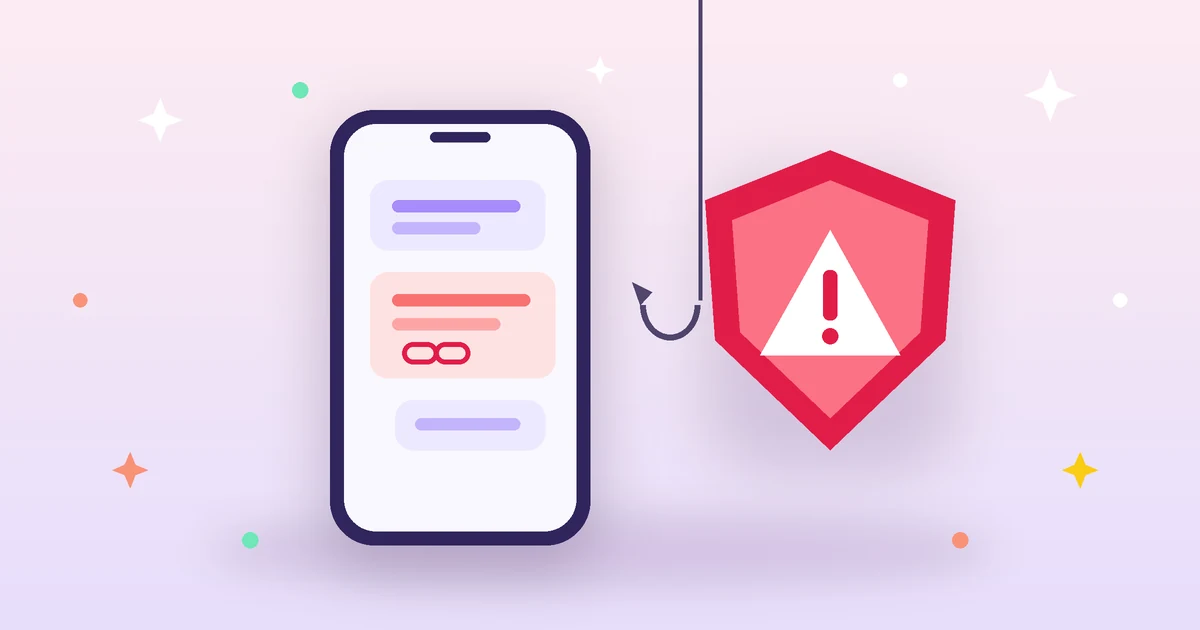
Store owners receive fake messages claiming to come from their platform or payment gateway and asking them to “confirm the account”. Don’t click links in such emails; open the site directly in your browser to check.
9. Protect forms from spam
Use protection on contact and sign-up forms to block bots, and limit login attempts to slow down guessing attacks.
10. A clear privacy policy
Collect as little customer data as possible and explain in your privacy policy what you collect, why and how you protect it. Transparency builds trust and helps you comply with data protection laws.
What to do if you suspect a breach
- Change passwords immediately, starting with email and the dashboard.
- Contact your host or platform to inspect the server and logs.
- Restore a clean backup if necessary.
- Inform affected customers clearly if their data leaked, as required by law.
Summary
Security is not a one-off project but an ongoing habit. Apply these ten practices and review them every few months; they protect your store from the vast majority of common attacks.