In this article
Despite better security tools, weak and reused passwords remain one of the most common causes of hacked accounts. For store and website owners in particular, one compromised account can mean lost money, leaked customer data and a damaged reputation.
How are passwords cracked?
- Dictionary attacks: trying common words, names, dates and their well-known variations, such as replacing a with @.
- Brute force: trying every possible combination, which is very effective against short passwords.
- Reusing leaks: when a site’s database leaks, attackers try the same passwords on other sites.
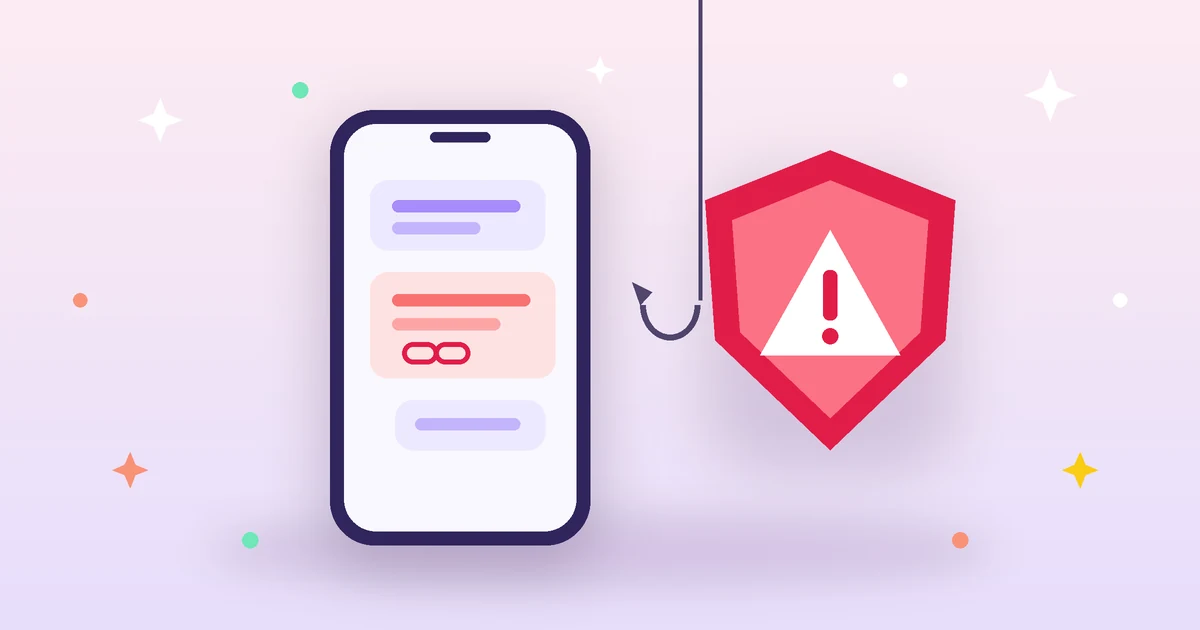
- Phishing: fake messages and pages that trick you into typing your password yourself.
What makes a password strong?
Length first
Length is the most important factor. Every extra character multiplies the number of possibilities many times over. An 8-character password can be cracked relatively quickly with modern hardware, while 16 random characters would take an enormous amount of time.
Variety
Mixing upper- and lowercase letters, numbers and symbols widens the set of possibilities for each character.
True randomness
Humans are bad at randomness: we choose words we can remember, put the number at the end and the symbol after the capital letter. That is why machine-generated passwords are much stronger. You can create a random password with the length and characters you want using our strong password generator, which runs in your browser and shows the strength and approximate cracking time.
Passphrases: an easier-to-remember alternative
If you need a password you can memorize, such as your device or password manager password, use a phrase of four or five random, unrelated words. A long phrase is easy to remember and hard to guess, as long as it is not a famous quote or common sentence.
The golden rule: a different password for every account
The strongest password becomes worthless if you use it on ten sites and one of them leaks. Yet memorizing dozens of random passwords is impossible, which is where a password manager comes in: an app that stores your passwords encrypted and fills them in automatically, so you only need to remember one strong master password.
An extra layer of protection
Turn on two-factor authentication on every account that supports it, especially your email, which is used to recover other accounts, as well as bank, store, payment and hosting accounts.
Practices to avoid
- Using personal information such as your name, date of birth or your child’s name.
- Writing passwords in an unencrypted text file or on a note next to your computer.
- Sharing passwords by message or email.
- Entering your password on a page you reached through a link in a suspicious message.
Summary
Make your passwords long, random and different for each account, keep them in a password manager and enable two-factor authentication. These three steps alone protect you from most common attacks.